Interstice — verification report

Every result below was decided by the app's own trace on a device run. Pictures illustrate; they decide nothing.

The app in motion, with sound: the 2:32 demo video.

RELEASE · 2026-10-22T18:30:03.493Z · Vega Virtual Device, aarch64, OS 1.2 (TV Ship/102282480) · Release aarch64, SDK 0.24.12112 · clip: 20 s of Tears of Steel, 4 segments, packaged · app 64a5b72 · package 0.2.0 · capture grpc · keys inputd-cli · selftest 4/4 passing scenarios shown able to fail

VARIANT · 2026-10-22T18:32:50.127Z · Vega Virtual Device, aarch64, OS 1.2 (TV Ship/102282480) · Release aarch64 + INTERSTICE_E2E, SDK 0.24.12112 · e2e-fixture: first 60 s of Tears of Steel, host-served · app 64a5b72+dirty · package 0.2.0 · capture grpc · keys inputd-cli · selftest 8/8 passing scenarios shown able to fail · Release package restored: yes

The app's acceptance criteria

21 criteria: 4 automated · 4 fixture · 1 blocked · 9 out of scope · 2 manual · 2 hardware. RELEASE results are the submitted binary. FIXTURE results ran a test build against a labelled stand-in track that is not the product's and never ships.

idcriterionclassevidence
AC1the app runs on the Vega simulator and plays the demo asset end to end automated
the 20 s clip, not the full film
S01 pass S06 pass
AC2every screen state — loading, playing, error, empty — has a focusable element, and BACK during playback has a stated destination automated S01 pass S04 pass S16 pass
AC3description can be toggled on and off from the remote without interrupting playback fixture S11 pass
AC4description cues play inside real dialogue gaps and never overlap dialogue fixture
inside the window; says nothing about dialogue (decisions.fixture_track)
S07 pass S10 pass
AC5the main track ducks to limits.ad.duck_target_pct during a cue and returns to full afterwards automated
the volume property was applied and restored; AUDIBLE only if defects D3 yields sound
S07 pass S14 pass
AC6seeking and held-direction key repeat resync the scheduler without firing a cue per key event blocked S17 blocked
AC7the description track is produced end to end by the pipeline from asset plus subtitles — no cue text is hand-written out of scope —
AC8a failed or missing track produces a stated visible and spoken state, not silence automated S13 pass S19 pass
AC9the live capture layer, if it ships, is off by default and names where the frame goes before the first send out of scope —
AC10react-native-tv-audio-description is public, licensed, documented, and has a runnable example, with commits inside the submission window out of scope —
AC11FRICTION-LOG.md holds dated entries written during the build, not reconstructed at the end out of scope —
AC12the demo video is under 3 minutes, in English, and shows the app running on the target platform out of scope —
AC13every Devpost field is submitted before 2026-10-23 12:00 PT, with the primary track and both mini challenges declared out of scope —
AC14the author watches the demo asset end to end with the description track and rates every cue 1–5 against the picture; track mean and % failed are recorded and the worst cues are regenerated before the demo video is recorded manual —
AC15the control surface is exercised under VoiceView: every control is reachable and announces its state, and the demo video shows it hardware —
AC16the submission package cites at least one sourced figure on audio-description coverage; the figure and its source enter the registry before the prose out of scope —
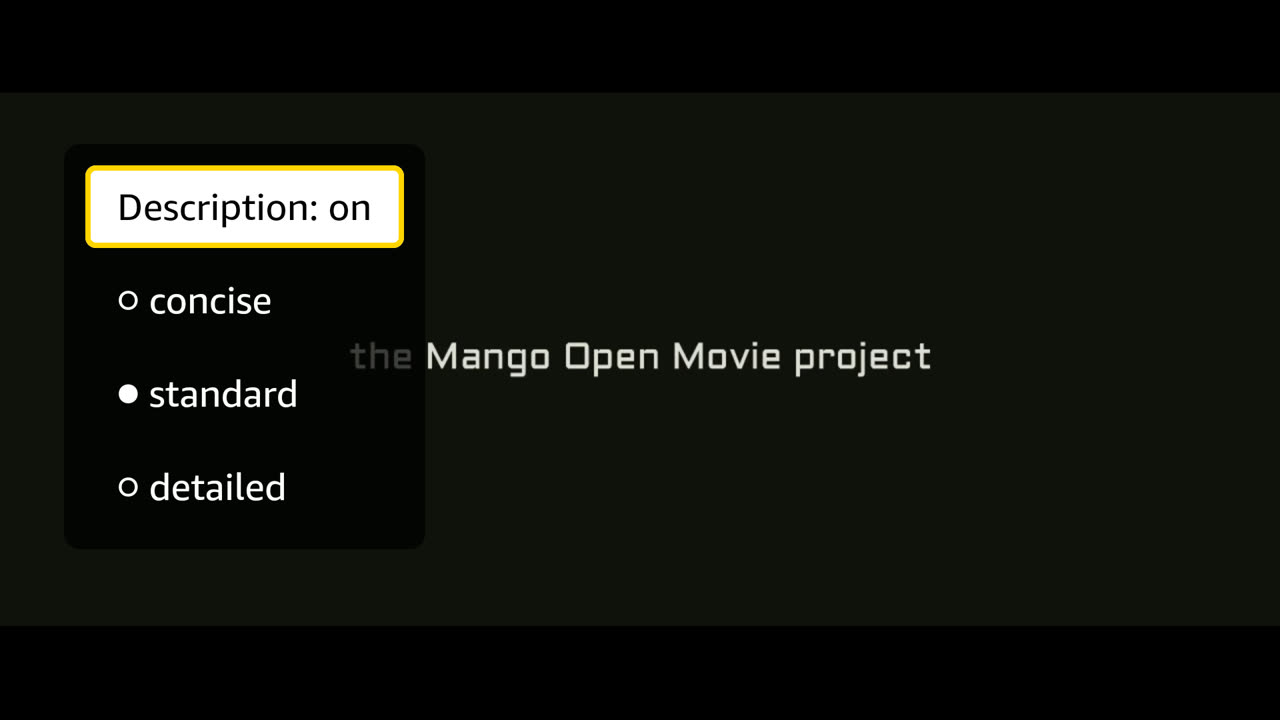
AC17three verbosity levels (concise/standard/detailed) are selectable from the remote, rescale max_words_per_cue per limits.ad.verbosity_scales, and are demonstrated in the demo fixture S12 pass
AC18a dramatis personae pass precedes per-gap description and is fed into every C9 prompt alongside rolling context; cue coherence is checked during the AC14 watch out of scope —
AC20at least one blind/low-vision viewer validates the track before Phase 5 (20–30 min, with/without comparison, consent on file); anonymized quote retained for SUBMISSION.md/video manual —
AC23the app plays the full-length demo asset without exceeding memory on the worst device in the matrix: limits.mse_buffer holds, SourceBuffer.remove() runs behind the playhead, and no QuotaExceededError is raised across an end-to-end watch hardware
S18 on the Virtual Device supports it and cannot close it
—
AC24a stall — bytes running short mid-playback — produces a stated visible and spoken state rather than a frozen picture, and a seek outside the buffered window either resolves or says why it cannot fixture S15 pass

What this report cannot show

The submitted build

PASS

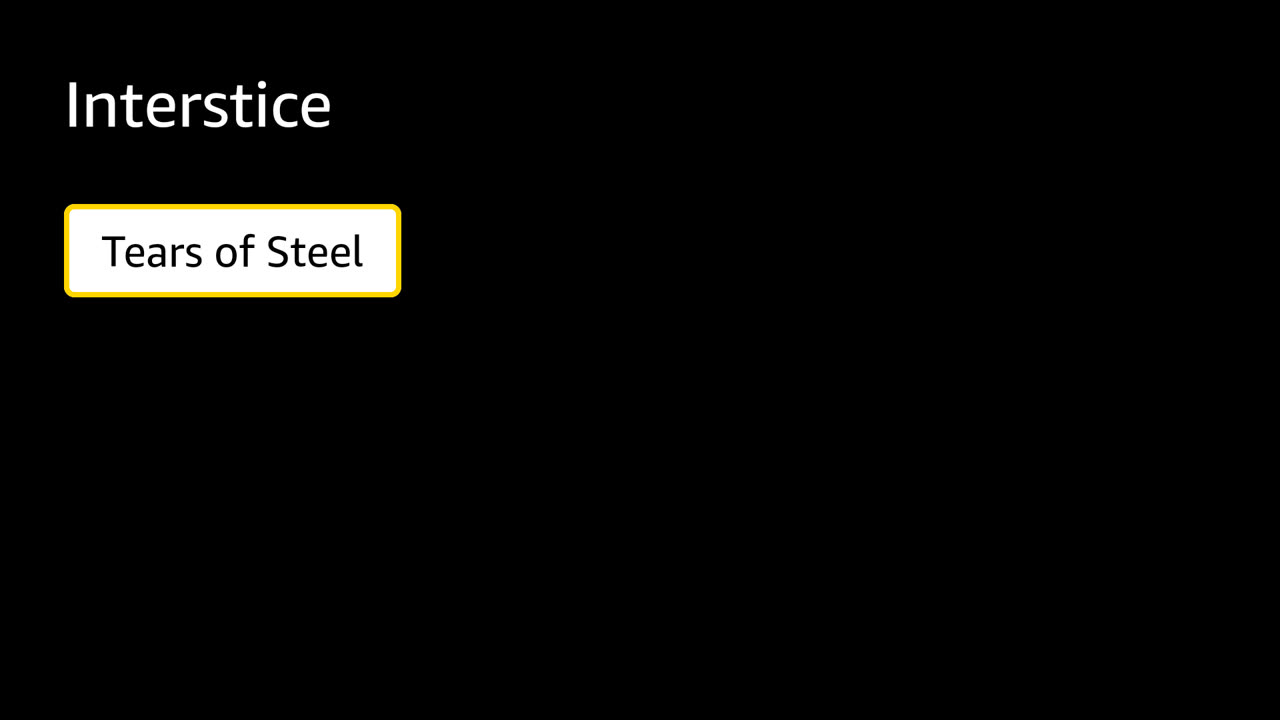
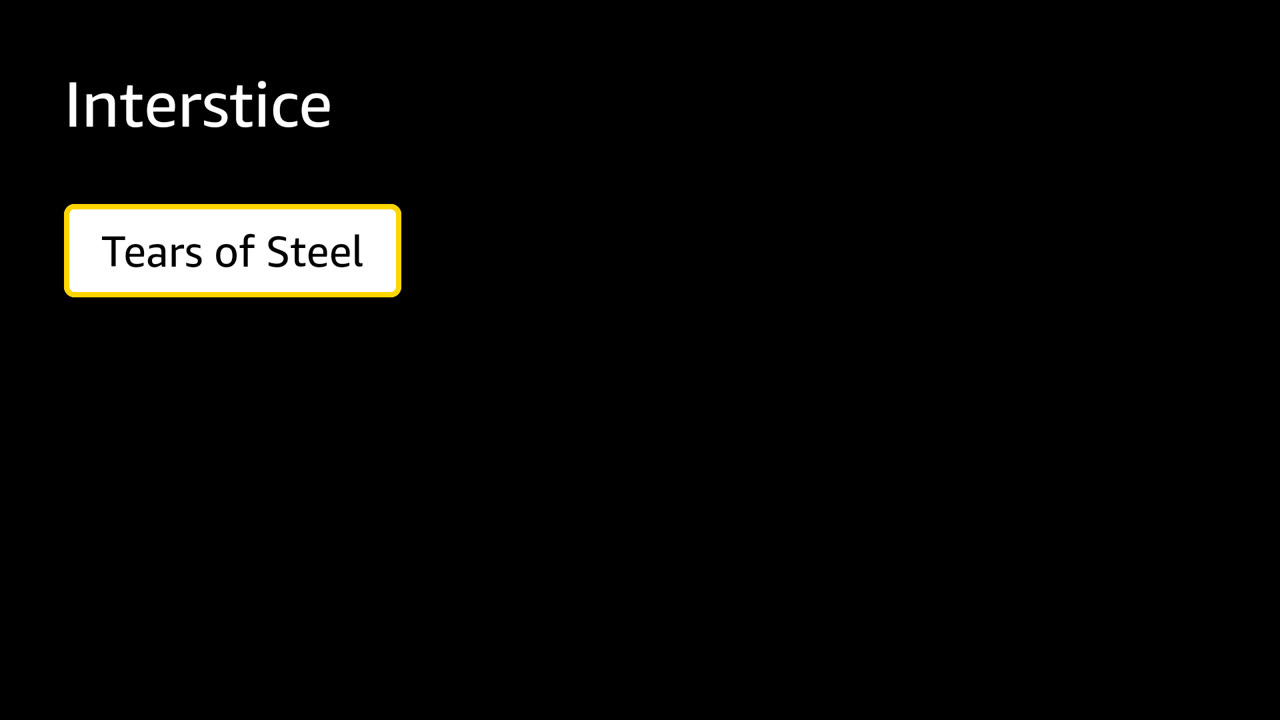
S01 · The viewer opens the app and lands on the title list with a title focused.

RELEASE · covers AC1, AC2

The title list on launch

(CC) Blender Foundation | mango.blender.org

What the viewer is told

  1. Loading title
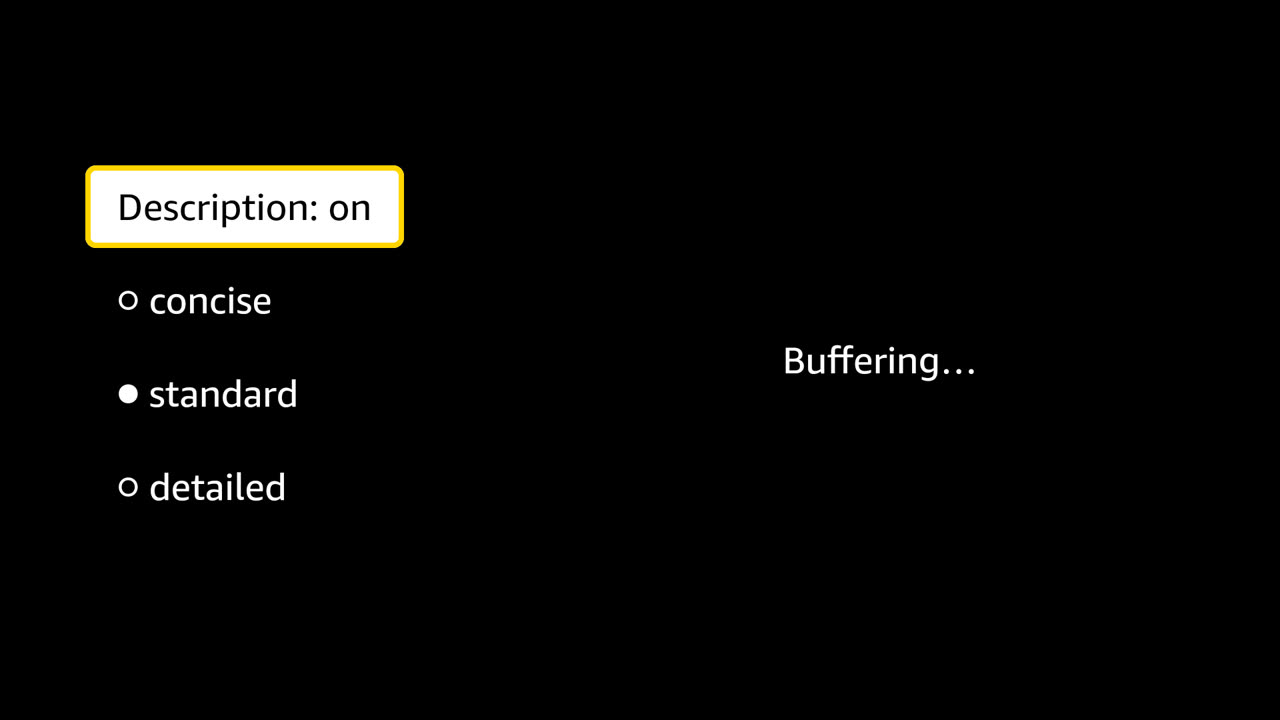
  2. Audio description on, standard, 56 descriptions
  3. The video paused while it loads more. Press back to return to the list.

Steps

  1. 2.6s wait — asset.segments
  2. 3.1s shot — The title list on launch
  3. 4.7s keys — ENTER
  4. 4.7s wait — app.play

Decided by

full trace · 6.4 s

PASS

S04 · The viewer presses BACK during playback and is on the list again, able to start over.

RELEASE · covers AC2

Back on the list
Back on the list

(CC) Blender Foundation | mango.blender.org

What the viewer is told

  1. Loading title
  2. Audio description on, standard, 56 descriptions
  3. The video paused while it loads more. Press back to return to the list.
  4. Loading title
  5. Audio description on, standard, 56 descriptions
  6. The video paused while it loads more. Press back to return to the list.

Steps

  1. 2.6s wait — asset.segments
  2. 4.2s keys — ENTER
  3. 6.5s wait — player.progress
  4. 8.1s keys — BACK
  5. 8.1s wait — player.back
  6. 8.6s shot — Back on the list
  7. 10.2s keys — ENTER
  8. 10.2s wait — player.opened

Decided by

full trace · 11.8 s

PASS

S06 · The viewer plays the film; the buffer runs ahead of the picture and lets go behind it.

RELEASE · covers AC1

The film playing
The film playing

(CC) Blender Foundation | mango.blender.org

What the viewer is told

  1. Loading title
  2. Audio description on, standard, 56 descriptions
  3. The video paused while it loads more. Press back to return to the list.

Steps

  1. 2.8s wait — asset.segments
  2. 4.3s keys — ENTER
  3. 4.3s wait — player.play
  4. 4.9s shot — The film playing
  5. 51.6s wait — player.progress
  6. 52.4s wait — buffer.evicted

Decided by

Cannot show: The whole film, and memory: this run watches 45 s of 12 min on the Virtual Device. AC23 names the worst device in the matrix and an end-to-end watch.

full trace · 55.0 s

PASS

S07 · The film's first generated cue speaks inside its gap, over the film, and the film comes back to full.

RELEASE · covers AC4, AC5

During the first generated cue
The first generated cue, with the film ducked under it

(CC) Blender Foundation | mango.blender.org

band: the window · block: the film ducked, from duck to restore · 30 s shown

What the viewer is told

  1. Loading title
  2. Audio description on, standard, 56 descriptions
  3. The video paused while it loads more. Press back to return to the list.

Steps

  1. 3.0s wait — asset.segments
  2. 4.5s keys — ENTER
  3. 5.8s wait — audio.duck
  4. 6.4s shot — During the first generated cue
  5. 15.9s wait — audio.restored

Decided by

Cannot show: That a listener heard the film get quieter (closes on hardware), and that the cue avoids dialogue beyond this first gap.

full trace · 21.0 s

The test build, with faults injected

PASS

S10 · Three cues each start and finish inside their window.

VARIANT · FIXTURE · covers AC4

After the first cue
After the first cue

(CC) Blender Foundation | mango.blender.org

band: the window · block: the film ducked, from duck to restore · 30 s shown

What the viewer is told

  1. Loading title
  2. Audio description on, standard, 3 descriptions
  3. The video paused while it loads more. Press back to return to the list.

Steps

  1. 2.6s wait — asset.segments
  2. 5.6s keys — DOWN ENTER
  3. 5.6s wait — app.play
  4. 12.3s wait — audio.restored
  5. 13.0s shot — After the first cue
  6. 32.2s wait — audio.restored

Decided by

Cannot show: That a cue avoids dialogue. These windows are declared by the fixture, not derived from subtitles.

full trace · 33.8 s

PASS

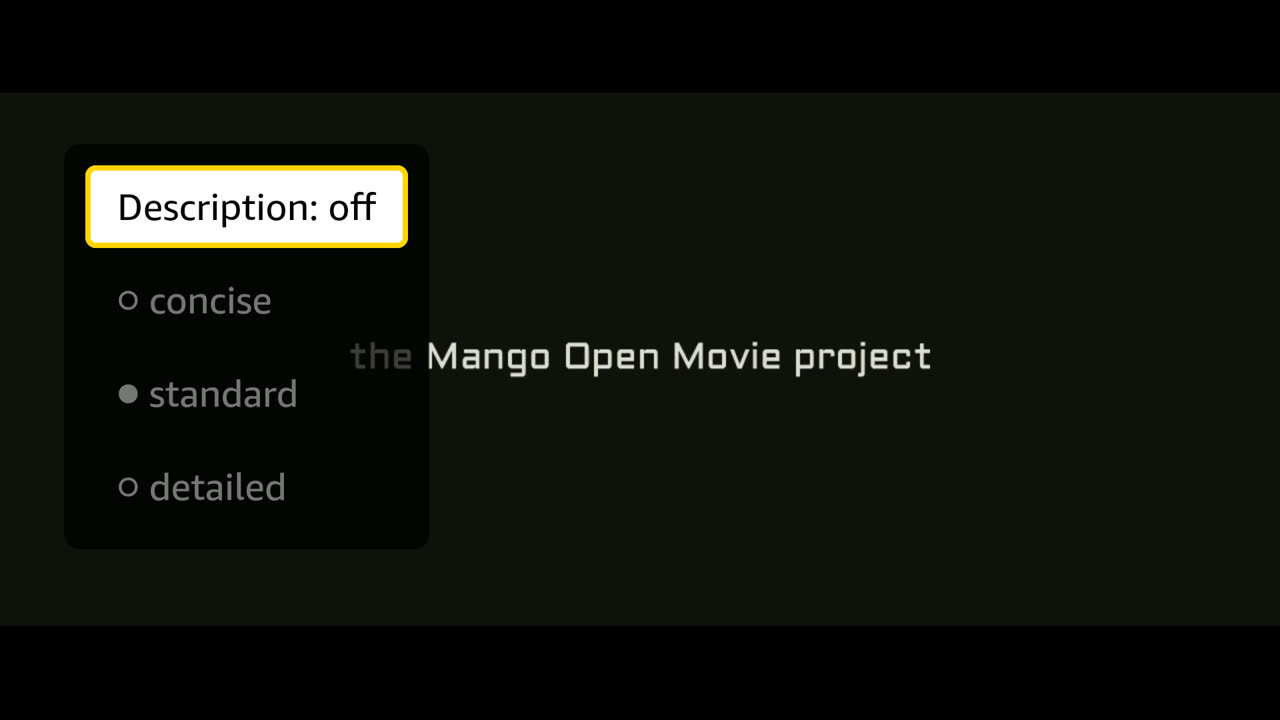
S11 · The viewer switches description off mid-film and back on; the film never stops.

VARIANT · FIXTURE · covers AC3

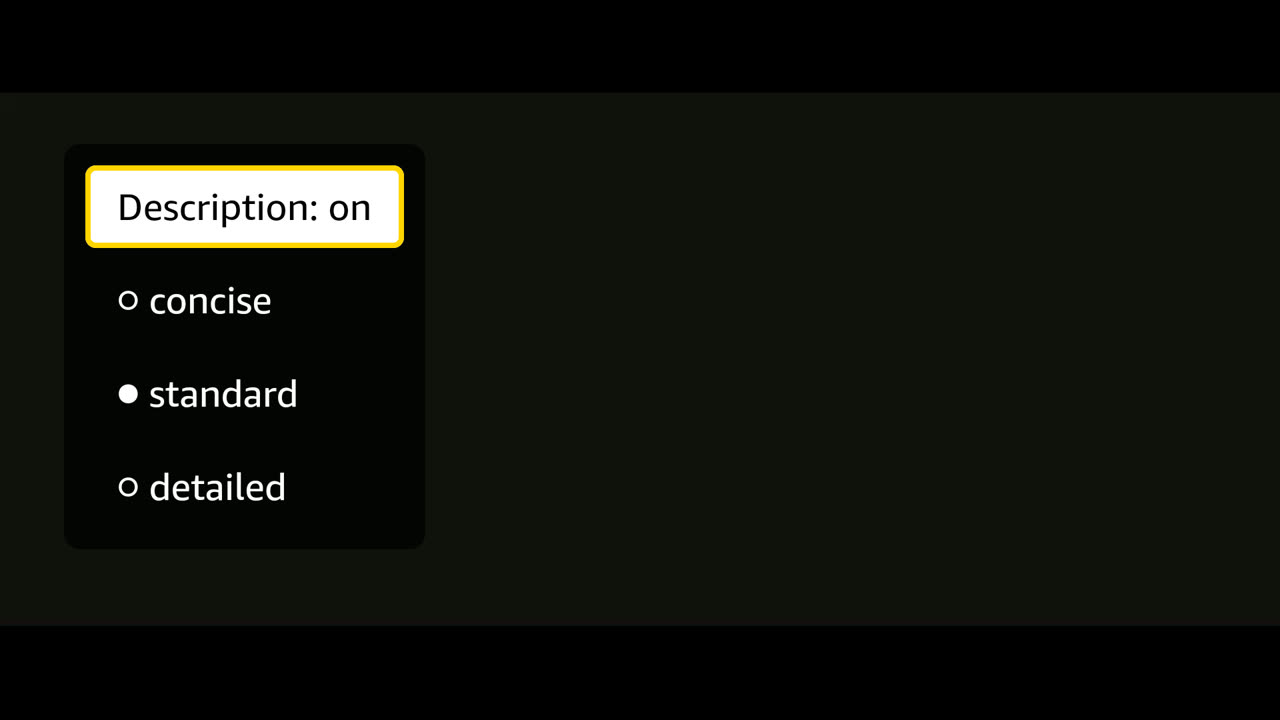
Description off
Description off

(CC) Blender Foundation | mango.blender.org

band: the window · block: the film ducked, from duck to restore · 30 s shown

What the viewer is told

  1. Loading title
  2. Audio description on, standard, 3 descriptions
  3. The video paused while it loads more. Press back to return to the list.
  4. Audio description off
  5. Audio description on, standard, 3 descriptions

Steps

  1. 2.6s wait — asset.segments
  2. 5.7s keys — DOWN ENTER
  3. 5.7s wait — app.play
  4. 12.4s wait — audio.restored
  5. 13.9s keys — ENTER
  6. 13.9s wait — controls.toggle
  7. 14.5s shot — Description off
  8. 27.8s wait — player.progress
  9. 29.7s keys — ENTER
  10. 29.7s wait — controls.toggle
  11. 32.3s wait — audio.restored

Decided by

full trace · 33.5 s

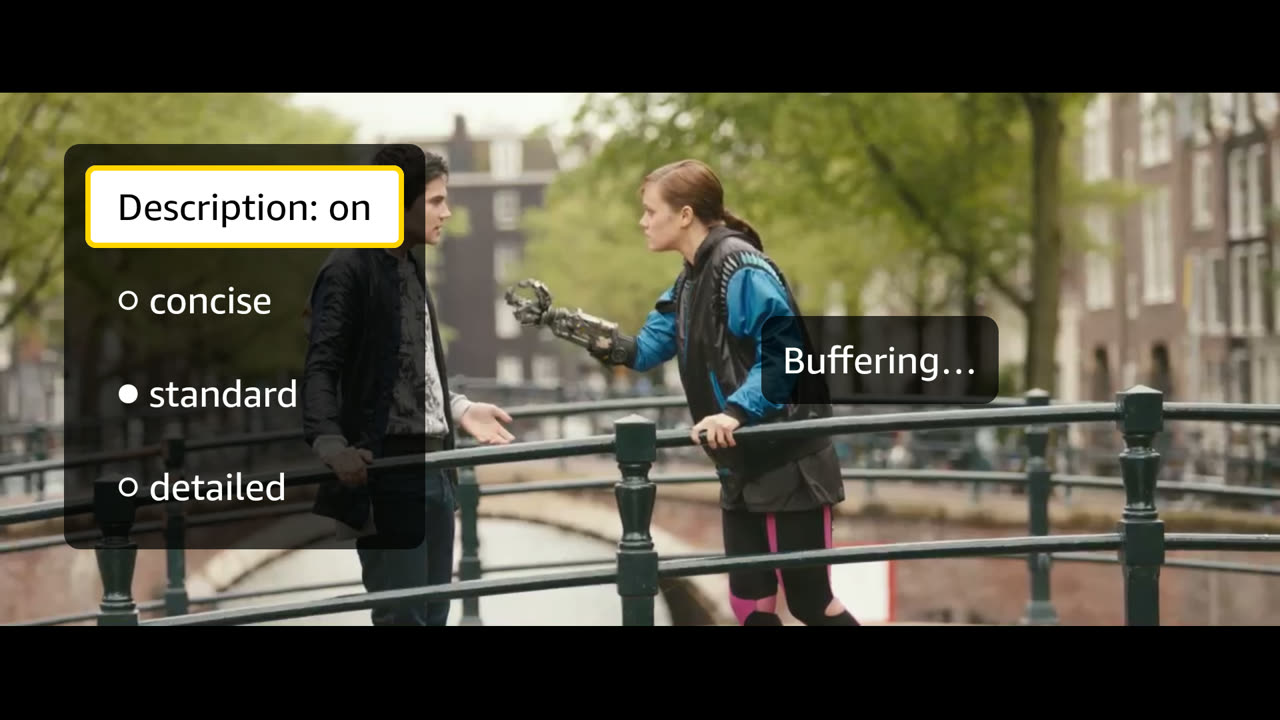
PASS

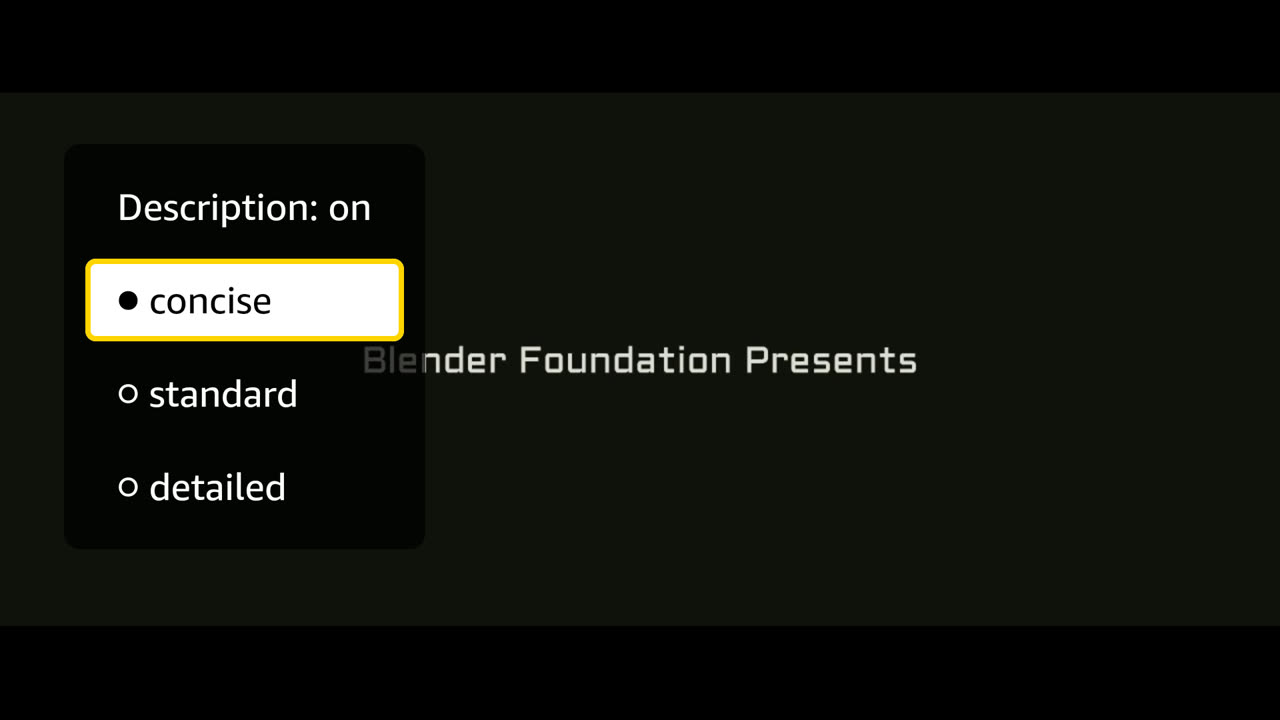
S12 · The viewer moves between concise, standard and detailed while watching.

VARIANT · FIXTURE · covers AC17

Concise selected
Concise selected

(CC) Blender Foundation | mango.blender.org

What the viewer is told

  1. Loading title
  2. Audio description on, standard, 3 descriptions
  3. The video paused while it loads more. Press back to return to the list.
  4. Audio description on, concise, 2 descriptions
  5. Audio description on, standard, 3 descriptions

Steps

  1. 2.6s wait — asset.segments
  2. 5.6s keys — DOWN ENTER
  3. 5.6s wait — app.play
  4. 5.6s wait — loader.load
  5. 6.9s wait — player.progress
  6. 10.2s keys — DOWN ENTER
  7. 10.2s wait — loader.load
  8. 10.7s shot — Concise selected
  9. 15.5s keys — DOWN DOWN ENTER
  10. 15.5s wait — loader.miss
  11. 19.0s wait — player.progress

Decided by

full trace · 20.3 s

PASS

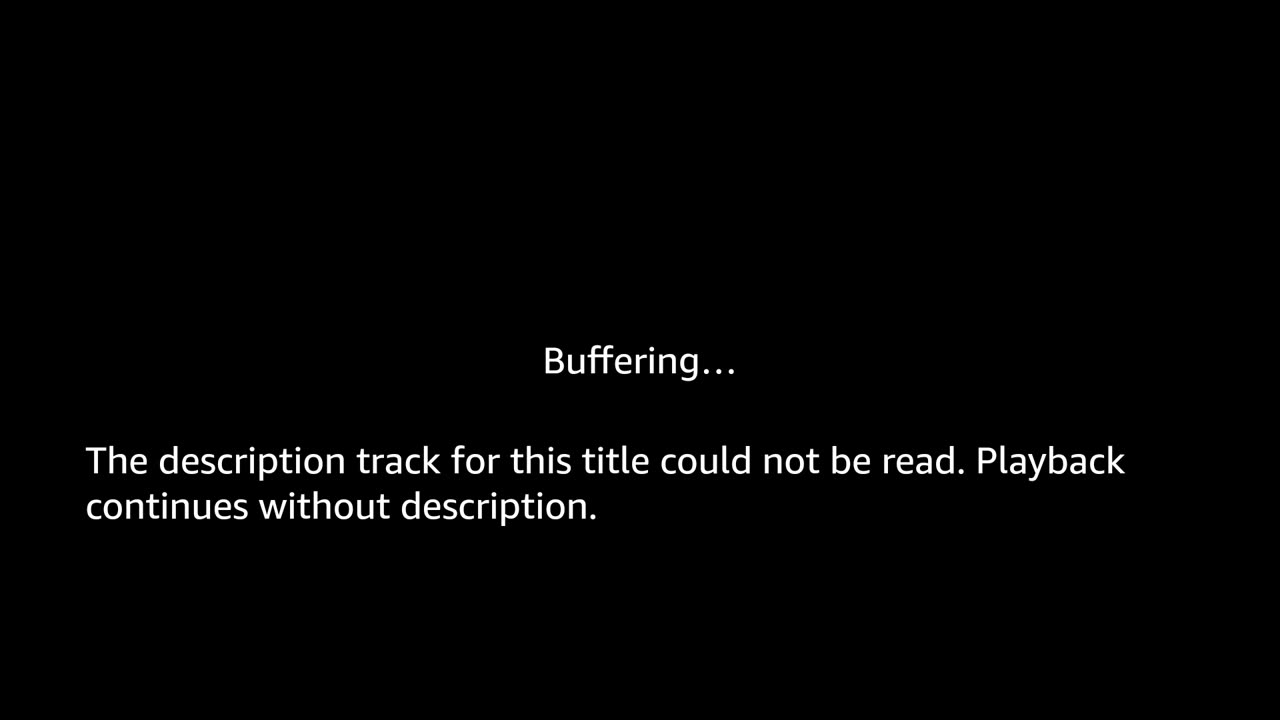
S13 · The track file is corrupt; the app says something different from "missing" and the film plays.

VARIANT · FIXTURE · covers AC8

The unreadable-track state, on screen

(CC) Blender Foundation | mango.blender.org

What the viewer is told

  1. Loading title
  2. The description track for this title could not be read. Playback continues without description.
  3. The video paused while it loads more. Press back to return to the list.

Steps

  1. 2.6s wait — asset.segments
  2. 5.5s keys — DOWN ENTER
  3. 5.5s wait — app.play
  4. 5.5s wait — ad.state
  5. 6.1s shot — The unreadable-track state, on screen
  6. 13.3s wait — player.progress

Decided by

full trace · 14.8 s

PASS

S14 · One cue has no audio; the film must not be left quiet.

VARIANT · FIXTURE · covers AC5

band: the window · block: the film ducked, from duck to restore · 30 s shown

What the viewer is told

  1. Loading title
  2. Audio description on, standard, 3 descriptions
  3. The video paused while it loads more. Press back to return to the list.

Steps

  1. 2.6s wait — asset.segments
  2. 5.5s keys — DOWN ENTER
  3. 5.5s wait — app.play
  4. 20.5s wait — audio.failed
  5. 31.9s wait — audio.restored

Decided by

Cannot show: The audible level. The restore is the volume property returning to 100%.

full trace · 33.7 s

PASS

S15 · The bytes run short mid-film; the viewer is told, and playback resumes when they arrive.

VARIANT · FIXTURE · covers AC24

Stalled: the picture is frozen and the app says so

(CC) Blender Foundation | mango.blender.org

What the viewer is told

  1. Loading title
  2. Audio description on, standard, 3 descriptions
  3. The video paused while it loads more. Press back to return to the list.

Steps

  1. 2.7s wait — asset.segments
  2. 5.8s keys — DOWN ENTER
  3. 5.8s wait — app.play
  4. 37.5s wait — player.progress
  5. 42.5s wait — overlay.shown
  6. 43.5s shot — Stalled: the picture is frozen and the app says so
  7. 43.5s release — held fixture requests answered
  8. 43.6s wait — player.resumed
  9. 43.8s wait — player.progress

Decided by

full trace · 45.4 s

PASS

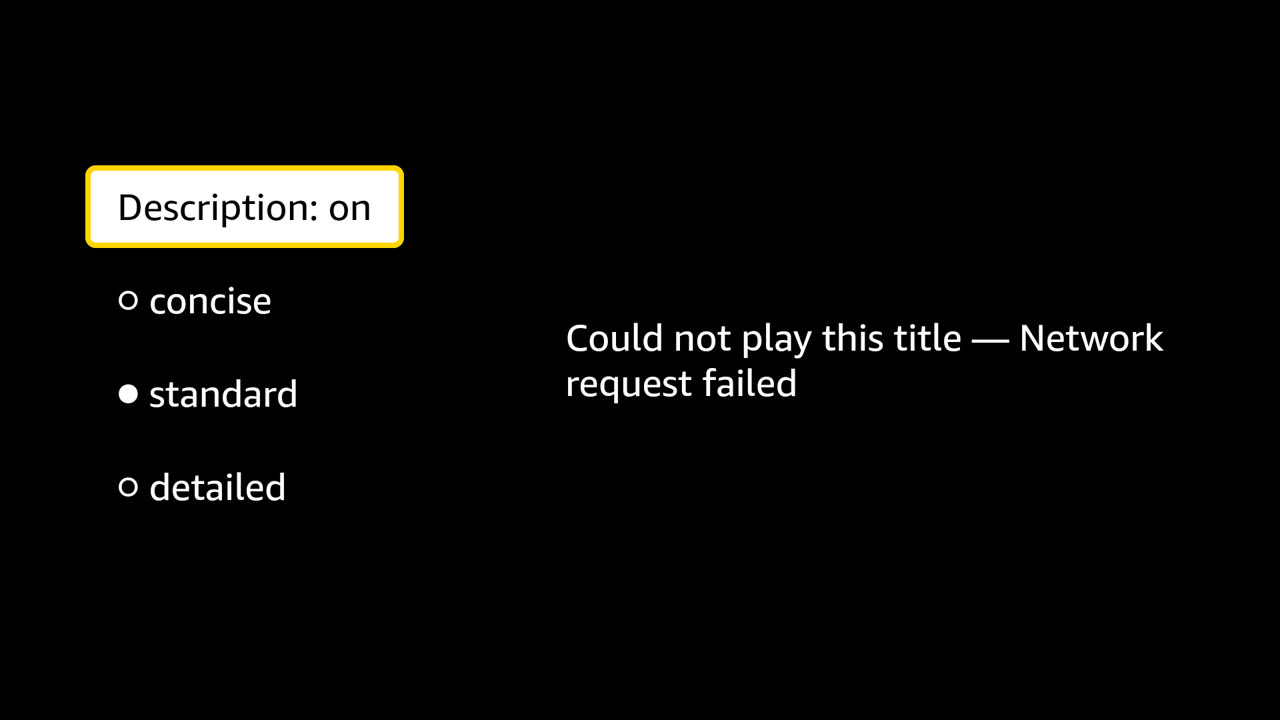
S16 · The title cannot be opened; the viewer is told and BACK still works.

VARIANT · FIXTURE · covers AC2

The error state
The error state

(CC) Blender Foundation | mango.blender.org

What the viewer is told

  1. Loading title
  2. Audio description on, standard, 3 descriptions
  3. This title could not be played. Network request failed
  4. Loading title
  5. Audio description on, standard, 56 descriptions

Steps

  1. 2.6s wait — asset.segments
  2. 5.6s keys — DOWN ENTER
  3. 5.6s wait — app.play
  4. 5.6s wait — overlay.shown
  5. 6.0s shot — The error state
  6. 7.6s keys — BACK
  7. 7.6s wait — player.back
  8. 9.1s keys — ENTER
  9. 9.1s wait — app.play

Decided by

full trace · 10.6 s

BLOCKED

S17 · The viewer holds a direction to seek; the scheduler resyncs once.

VARIANT · FIXTURE · covers AC6

blocked by D6 — the app has no seek control

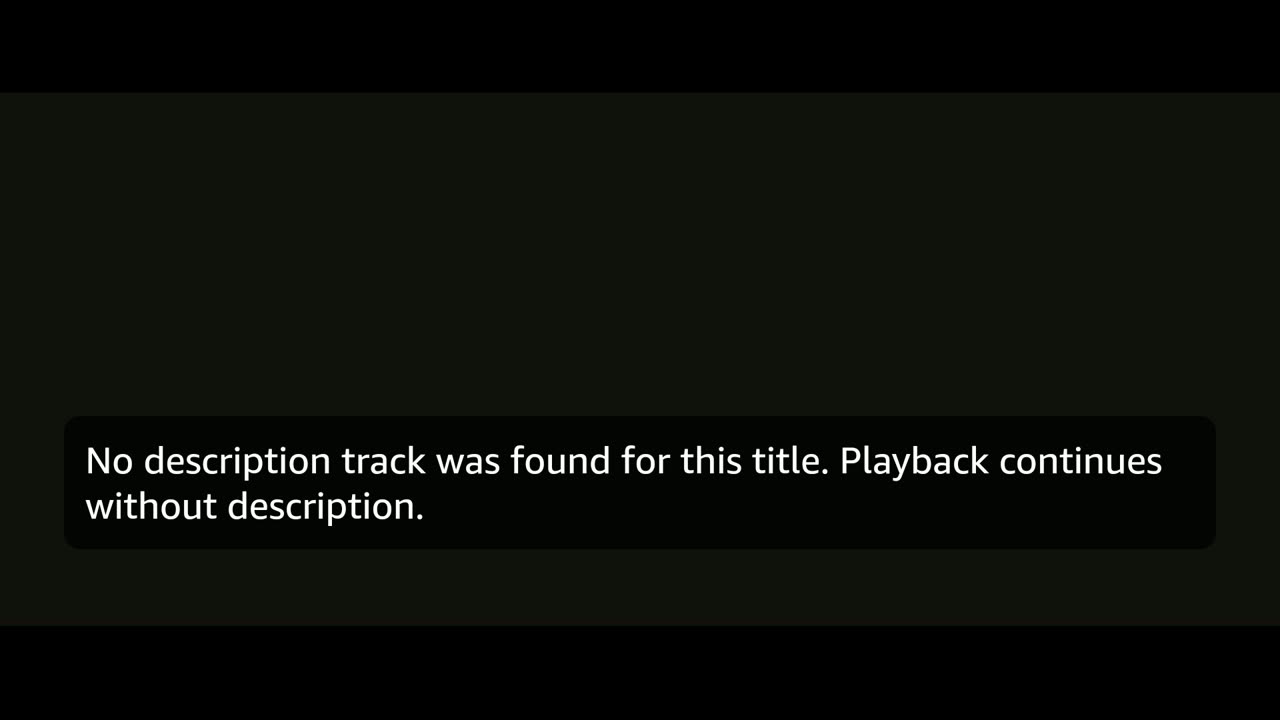
PASS

S19 · The title has no description track; the app says so and the film plays anyway.

VARIANT · FIXTURE · covers AC8

The missing-track state, on screen

(CC) Blender Foundation | mango.blender.org

What the viewer is told

  1. Loading title
  2. No description track was found for this title. Playback continues without description.
  3. The video paused while it loads more. Press back to return to the list.

Steps

  1. 2.6s wait — asset.segments
  2. 5.6s keys — DOWN ENTER
  3. 5.6s wait — app.play
  4. 5.6s wait — controls.announce
  5. 6.4s wait — player.progress
  6. 6.9s shot — The missing-track state, on screen
  7. 11.6s wait — player.progress

Decided by

full trace · 13.1 s